Canva hacks: simple shortcuts that save time
The first slide of our Canva series: tips, tools and design tricks for better content. Each hack that follows is one small feature, shown the way you would use it in a real design.
Five small Canva tricks for better content: even spacing in one click, a sticker-style drop shadow, the whole collection behind one element, and one graphic’s look copied onto another, even onto your text. Four of them come with a short screen recording.
If you make your own social media graphics in Canva, a few small features can save you real time, and they are easy to miss in the menus.
This carousel from our Instagram covers five of them. Four slides are short screen recordings, so you can watch each hack happen. The videos have no sound, and under each one there is a written description of what it shows, for anyone who would rather read. Below, we go through it slide by slide.
The first slide of our Canva series: tips, tools and design tricks for better content. Each hack that follows is one small feature, shown the way you would use it in a real design.
Select all your elements, right-click, then choose Space evenly and Tidy up, and Canva will evenly space everything for you. It is the quick fix for a row of icons or a list of lines that never quite lines up by eye.
Select, right-click, Space evenly, Tidy up.
A drop shadow makes a cut-out image look like a sticker sitting on the page. In Canva it lives in the photo editor:
The same Shadows panel offers None, Glow and Outline too, and a colour for the shadow.
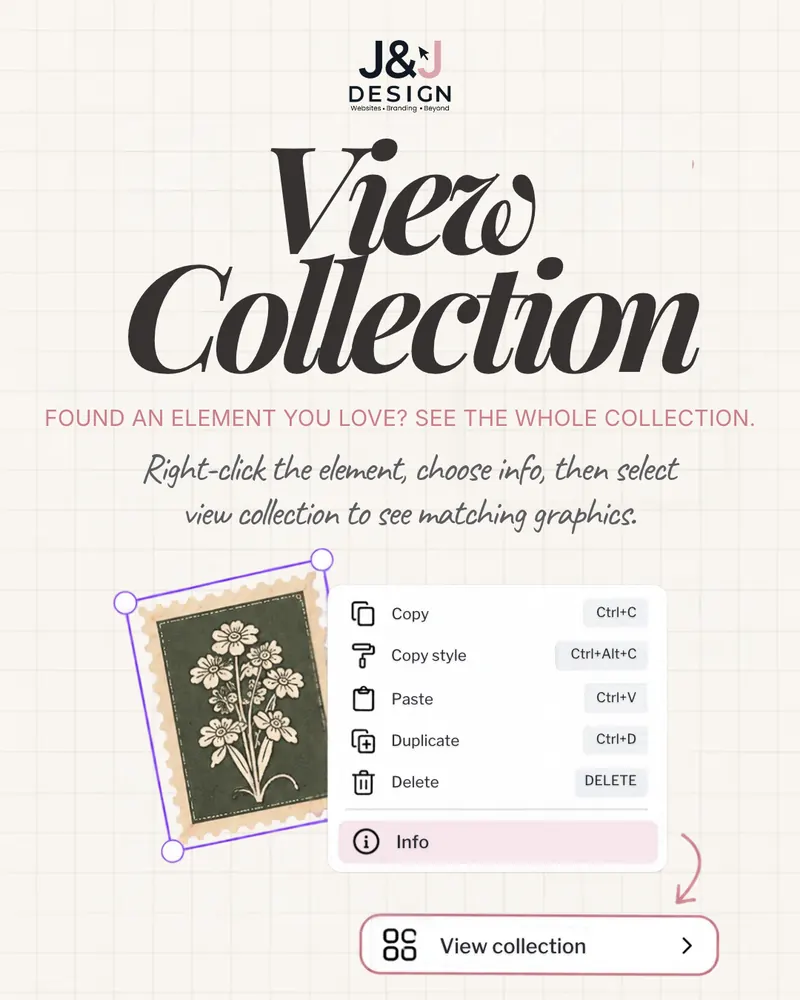
Found an element you love? See the whole collection. Right-click the element, choose Info, then select View collection to see matching graphics, so the rest of your design can use pieces that go with it.
The same right-click menu lists five shortcuts worth knowing:
Copy the colours, textures and effects from one graphic to another in just one click. Pick the graphic whose look you want, choose Copy art style, then click the graphic you want to restyle.
The Style menu also offers Copy basic style; the video uses Copy art style.
One click from a heart to a matching set of stars.
Give your text the same colours, texture and style as any Canva element in one click. The trick on the slide turns the text into an image first:
Shortcuts make the work faster; knowing what to post is the other half. Our content ideas for personal brands and content ideas for restaurants are workbooks for the days you are stuck. And if you would rather hand the graphics over, see what our social media management and content includes.
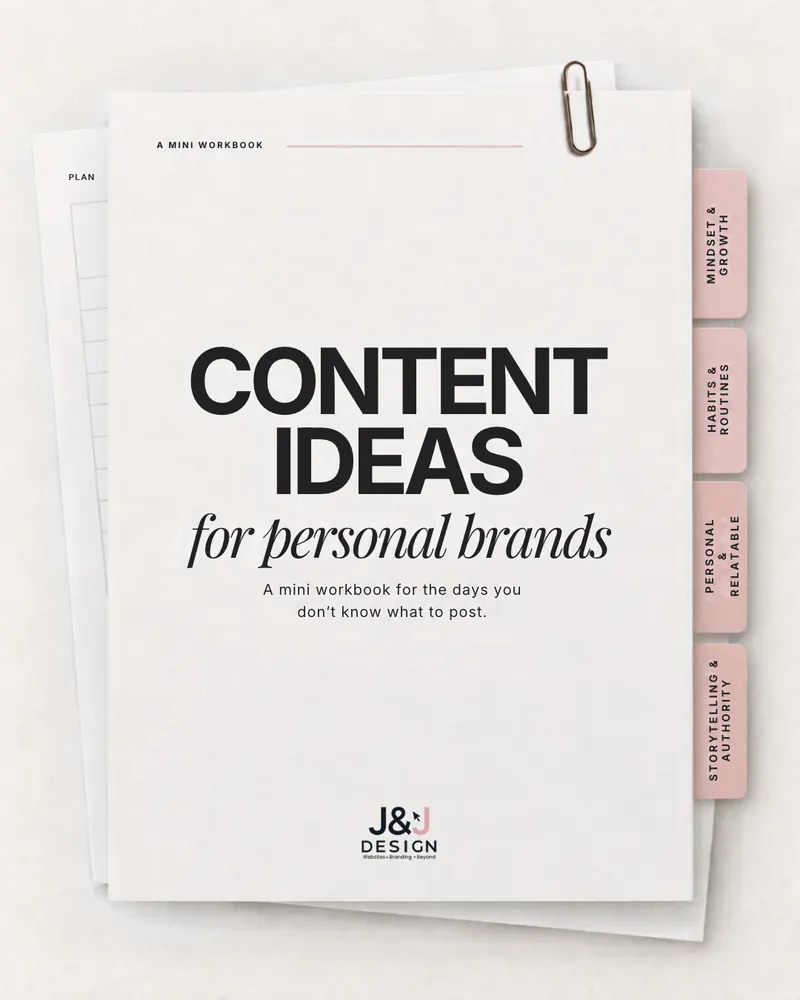
A mini workbook in four themes: mindset and growth, habits and routines, personal and relatable moments, and storytelling that builds authority.
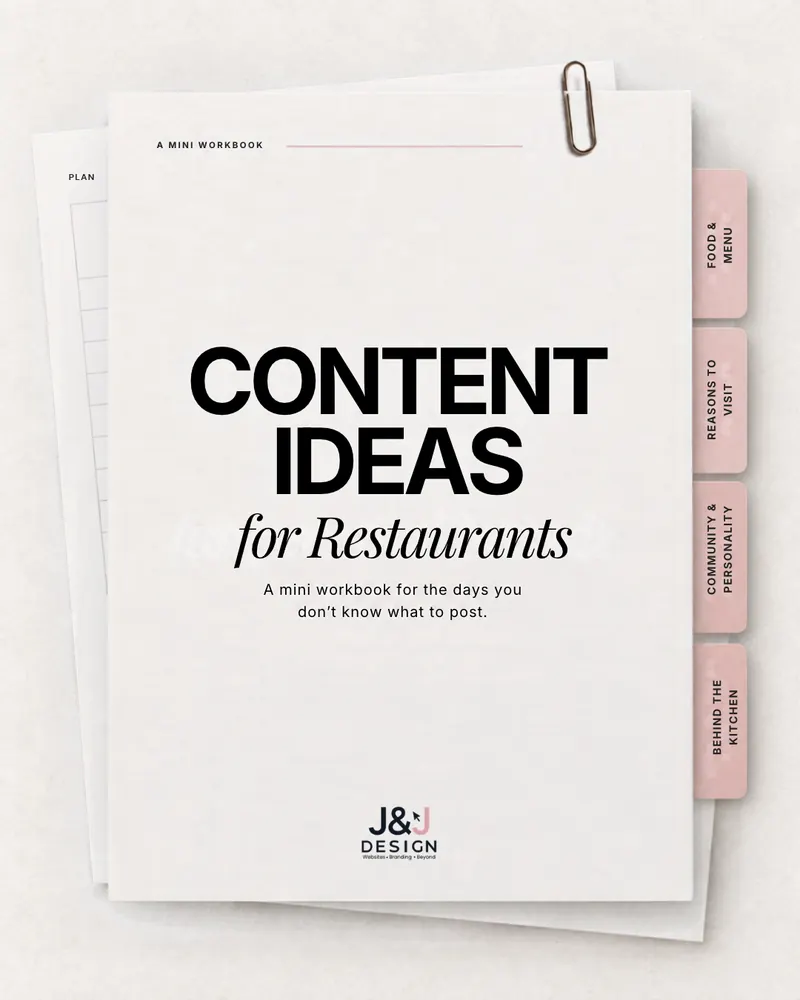
A mini workbook in four themes: reasons to visit, community and personality, behind the kitchen, and food and menu.

5.79 billion users, Gen Z searching social before Google, and why every post either builds recognition or gets lost.
Branded graphics, captions and content planning for your business, from the team behind these hacks. Tell us where your account is today and we will show you what we would change.